
Face ID & Fingerprint
Privacy Guardian Password Manager
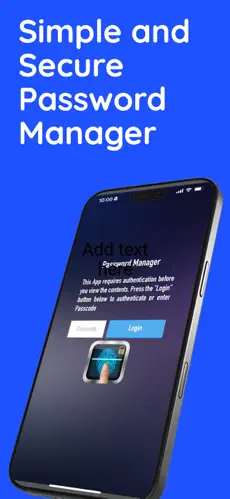
Keep your passwords secured in one place. Protected with Face ID, Touch ID, or passcode. Only you will ever be able to access your vault.
See Privacy Guardian in action
Visualize how this password manager uses Face ID, Autofill, and built‑in MFA to keep your accounts, WiFi networks, and secure notes protected on your iPhone and iPad.
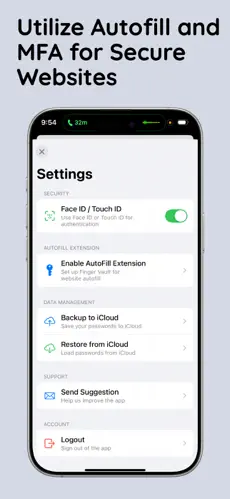
Features
- Face ID & Touch ID: Unlock with biometrics or passcode.
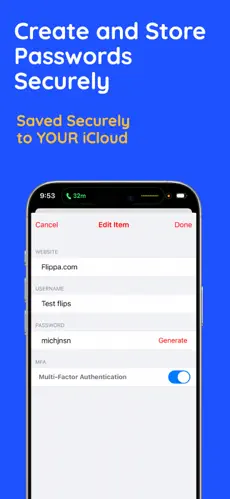
- MFA / TOTP: Two-factor authentication codes built in.
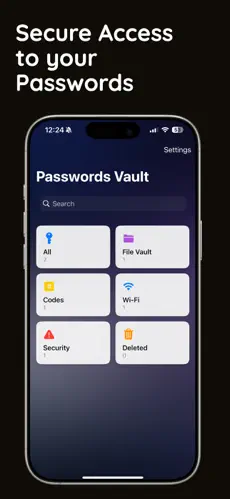
- File vaulting: Protect sensitive files alongside your passwords.
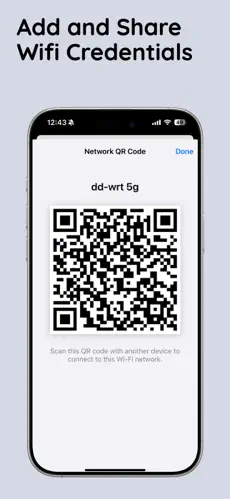
- WiFi password sharing: Securely share and store WiFi credentials.
- Encrypted backup & restore: Move your vault to a new device safely.
- Secure password sharing: Share entries with other app users, encrypted.
- Website autofill: Fill usernames and passwords in Safari and Chrome.
Availability
iPhone and iPad. Free to download.